Jaltest Not Working on Windows 10? Here’s What You Need to Know
Running into performance issues with Jaltest on your Windows 10 Laptop? It’s not a small malfunction or error, it’s actually a compatibility issue.
Microsoft ended Windows 10 support in October 2025. The Jaltest 24.2 update coming in 2026 will not be compatible for Windows 10 computers.
While you may be able to continue using the software, you will have limited access to features which require an internet connection, such as troubleshooting guides or new updates.
As Jaltest moves away from supporting Windows 10, workshops, fleet managers, and technicians who haven’t yet upgraded will need to look into upgrading their current hardware to get the most out of the Jaltest software.
Here’s what the Jaltest 26.2 update means for current Jaltest users, how Jaltest will work on Windows 10 moving forward, and how to upgrade your diagnostic hardware for Windows 11.
Does Jaltest Run on Windows 10?
The short answer: only older versions do, and it comes with limitations.
Modern versions of Jaltest, up to the 26.1 update, have all been compatible for Windows 10.
However, the Jaltest 26.2 update will only be compatible for Windows 11.
While you may still be able to run previous versions of Jaltest on Windows 10, newer releases are no longer designed to support it. This means:
You may experience reduced functionality
Software performance can become unstable
New vehicle systems may not be fully supported
What Does This Mean?
1. No More Updates
Jaltest updates regularly to expand vehicle coverage, improve diagnostics, and fix bugs.
With the software no longer being compatible with Windows 10, you’ll no longer receive:
New features
Updated vehicle data
Performance improvements
Over time, this will significantly reduce the effectiveness of your diagnostic tool.
2. Increasing Compatibility Issues
As Jaltest continues to evolve, future versions are built specifically for newer operating systems like Windows 11. Attempting to install or run these versions on Windows 10 may result in:
Installation errors
Software crashes
Missing or malfunctioning features
3. Limited Technical Support
Technical support will also become more restricted. If you encounter issues while using Windows 10, support teams may require you to upgrade your system before they can assist you effectively.
Minimum PC Requirements for Jaltest in 2026
To ensure optimal performance and compatibility, your system should meet the following minimum requirements:
Operating System
Windows 11 (64-bit)
Processor
Intel Core i5 or equivalent (or higher)
Memory (RAM)
Minimum: 8 GB
Recommended: 16 GB for smoother multitasking
Storage
Solid State Drive (SSD)
At least 50 GB of available space
Additional Requirements
USB ports for connecting the Jaltest interface
Reliable internet connection for updates and licensing
Using a system that exceeds these specs can significantly improve speed and responsiveness, especially when working with newer vehicle models and complex diagnostics.
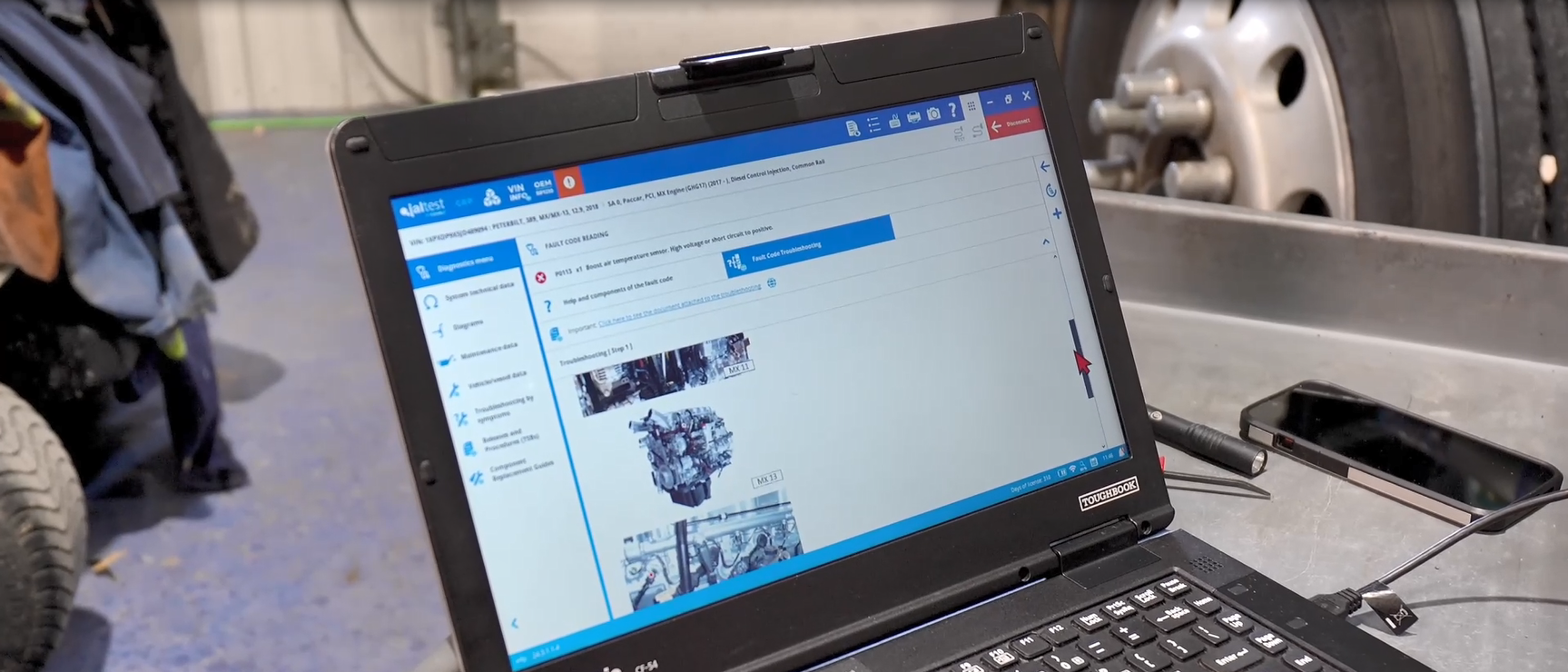
How to Upgrade Your Diagnostic Hardware to Windows 11
If your hardware isn’t suitable to upgrade to Windows 11, WholeFleet can help you ensure you have no break in service.
Upgrade to the Getac S410 Rugged Laptop (2-year warranty)
WholeFleet is partnering with Getac to offer the Getac S410 Rugged Laptop with a 2-year warranty to those still operating on Windows 10. We’re already helping tons of Jaltest users transition to Windows 11 with the Getac S410.
Why Upgrade with WholeFleet?
Even if you’re not currently a WholeFleet client, there are many ways you can benefit from upgrading your hardware with WholeFleet.
We understand that paying to upgrade can be frustrating, that’s why we offer promotional pricing or trade-in value on your current hardware (no matter who you got it from).
Every Getac S410 Rugged Laptop upgrade comes with a free Nanuk Hard Case to store your rugged laptop/tablet, cables, adapter, and much more.
Our relationship goes beyond the sale. Our WholeFleet ETSS clients have access to all-day support from our team of expert diagnostic techs.
We will keep you up-to-date on Jaltest’s compatibility changes, with quick solutions on how to keep your software running effectively.
Special Offer for WholeFleet Clients
If the Windows 10 rugged laptop/tablet you’re currently using was purchased from WholeFleet, you’ll receive a credit toward your Getac S410 replacement.
Every Getac S410 Rugged Laptop upgrade comes with a free Nanuk Hard Case.
Upgrade Through Windows Update
If your system is eligible, you can upgrade directly through Windows Update:
Go to Settings → Update & Security
Check for updates
Follow the prompts to install Windows 11